The same Western Union often costs more at the counter than on your phoneHow to use Western Union / MoneyGram for less
There's a common assumption that handling it in person at a physical counter is somehow safer than tapping through a phone, and that the price should be about the same either way. The opposite is usually true: the same Western Union, the same amount, costs more when you walk in and send cash at an agent than when you send on the official app, because the branch's rent and staff end up folded into a higher fee or a wider rate margin. Western Union and MoneyGram fit best when the recipient has no bank account and relies on cash pickup.
| "Western Union and MoneyGram are one company" | Separate operators — neither the code nor the counter works at the other |
| "Going to a branch is the safer way" | For the same transfer, sending online usually costs less than the counter |
Are Western Union and MoneyGram the same company?
No. They are two separate companies that happen to do almost the same job. Each runs its own agent network, prices its own corridors, and issues its own tracking number. Money sent through one cannot be collected at the other's counter, and a code from one means nothing to the other.
The mix-up is fair enough. In plenty of towns the same corner shop, pharmacy or post office is an agent for both, with two logos in the same window, so they look like one service wearing two signs. What genuinely differs is smaller than the branding suggests:
| Point | Western Union | MoneyGram |
|---|---|---|
| Ownership | Separate operator | Separate operator |
| Tracking number | Called the MTCN | Called a reference or authorisation number |
| Collect at the other's agent | Not possible | Not possible |
| Agent coverage | Denser in some countries | Denser in others |
| Fee and rate | Set per corridor, moves over time | Set per corridor, moves over time |
Which means "which one is better" has no lasting answer, and anyone who hands you one is guessing. The useful question is narrower: for this country, this amount, today, which one puts more in your recipient's hand — and can they actually reach a payout point? The second half decides it more often than the first. A slightly better rate is worth nothing if the nearest agent is two bus rides away, and we've watched people chase the better quote and then spend the difference getting to it.
When they're the right choice
Western Union and MoneyGram are two long-established global money-transfer companies. Their biggest strength is a wide agent network and cash pickup for the recipient. When any one of these is true, they're often more practical than a bank wire or a transfer app:
- The recipient has no bank account and doesn't use a smartphone wallet.
- The recipient needs cash, and there's a partner agent nearby.
- Banks or apps barely cover the destination, but a shop, post office or agent point can pay out.
- The recipient needs the money fast for something urgent, and cash pickup is often ready within minutes.
The trade-off: the rate margin is usually a bit wider than a transfer app's, and the visible fee floats with the amount and corridor too. So between "convenient" and "cheap," it comes down to which you need more.
Online, or at an agent
For the same transfer, sending online from the official site or app is usually cheaper than walking into an agent and sending cash. The reason is that an agent location carries shop and staff costs, which often show up as a higher fee or a wider rate margin. If you have a card or account of your own, send online first.
But there are two cases where going to an agent does make sense: one, you only have cash on hand and no card to pay online; two, you want to ask about the fees and pickup options in person, especially on a first send when you're unsure of the flow. The key is not to assume "the shop is safer" and skip comparing; you can look up the online and agent quotes separately, then decide.
Online vs agent: how to choose
| Dimension | Online (site / app) | Agent, cash |
|---|---|---|
| Total cost | Usually lower | Usually higher |
| How you pay | Card / account | Mostly cash |
| Who it suits | Have a card, want to save | Cash only, want to ask in person |
| Recipient collects | Cash pickup / bank deposit (by option) | Cash pickup / bank deposit (by option) |
| First time | Register and verify ID | Counter staff help you do it |
Sending online, step by step
Interfaces differ a little between platforms, but the main line is the same. Using the official site or app:
- Open the website or download the app. Install the app from your phone's store and reach the site through your own bookmark; don't enter from a strange link or an ad, and watch for phishing look-alike sites.
- Register and complete ID verification. A first use needs your name, contact details and an ID document, which is a compliance requirement. A legitimate platform will never ask you for a bank password or one-time code.
- Choose the destination country and the pickup method. Pick "cash pickup" or "bank deposit / to a wallet" first; the same transfer can be priced differently by pickup method.
- Enter the amount and check the quote. Focus on the "recipient gets" line, not just the fee. Read the rate and the fee together.
- Enter the recipient's details. The name must match their ID exactly, or they may not be able to collect.
- Pay and save the tracking number. After payment you get a transfer tracking number (the MTCN). Tell the recipient that and the pickup details, and keep it safe.
How cash pickup works
Cash pickup is the classic use for these two: you send from one end, and the recipient takes their ID and the tracking number to a nearby partner agent (a convenience store, post office, bank agent point, and so on) to collect cash, often within minutes. The upside is that the recipient needs no bank account; the thing to watch is that large cash pickups can be affected by local limits and ID checks, and agent opening hours differ from place to place. Before you send, it's best to have the recipient confirm which nearby agent pays out, its hours, and the per-transaction limit.
What does the recipient need to bring?
So the recipient can collect smoothly, after you send pass these on accurately:
- The transfer tracking number (the MTCN or a reference number), checked digit by digit so it isn't sent wrong.
- The sender's name, the amount sent and the currency (the counter may check these).
- The recipient must bring a valid ID of their own, with the name matching the recipient name you entered.
- The location and opening hours of a nearby payout agent.
Remind the recipient: the tracking number is effectively a pickup credential, so don't post it on social media or in group chats, and don't hand it to a stranger who claims they'll collect on their behalf.
How to use them for less
Using the same Western Union or MoneyGram, a few habits help you spend less:
- Send online first. If you have a card, don't default to an agent, since online is usually cheaper.
- Compare the "amount received," not the fee. Run the same transfer through both and work out how much the recipient actually gets.
- Compare pickup methods. Cash pickup and bank deposit can be priced differently; if the recipient has an account, cash pickup isn't always necessary.
- Mind the corridor. The same company prices very differently from one country to another; compare again before you switch corridors.
- Line it up against other channels. If the recipient has an account and a phone, a transfer app may be cheaper; for a formal large-amount record, look at a bank wire.
Which one is cheaper for your transfer?
There isn't a standing answer. On a given corridor Western Union may be cheaper this month and MoneyGram the next, and the result also depends on how you pay and how the recipient collects. The reliable way is to quote both yourself, on their websites or apps, before any transfer that matters, keeping everything identical: the same amount, the same destination country and the same payout method, cash against cash or deposit against deposit.
Each quote shows three numbers: the fee, the exchange rate and the amount the recipient gets. Only the third settles it. A lower fee often comes with a rate pushed further from the mid-market rate, which is where the difference goes. Watch for first-transfer promotions as well; a discounted first send tells you little about what the second one will cost. With both quotes in hand, put them next to the other transfer apps, because if the recipient has a bank account, neither of the two may be the cheapest option.
MTCN or reference number?
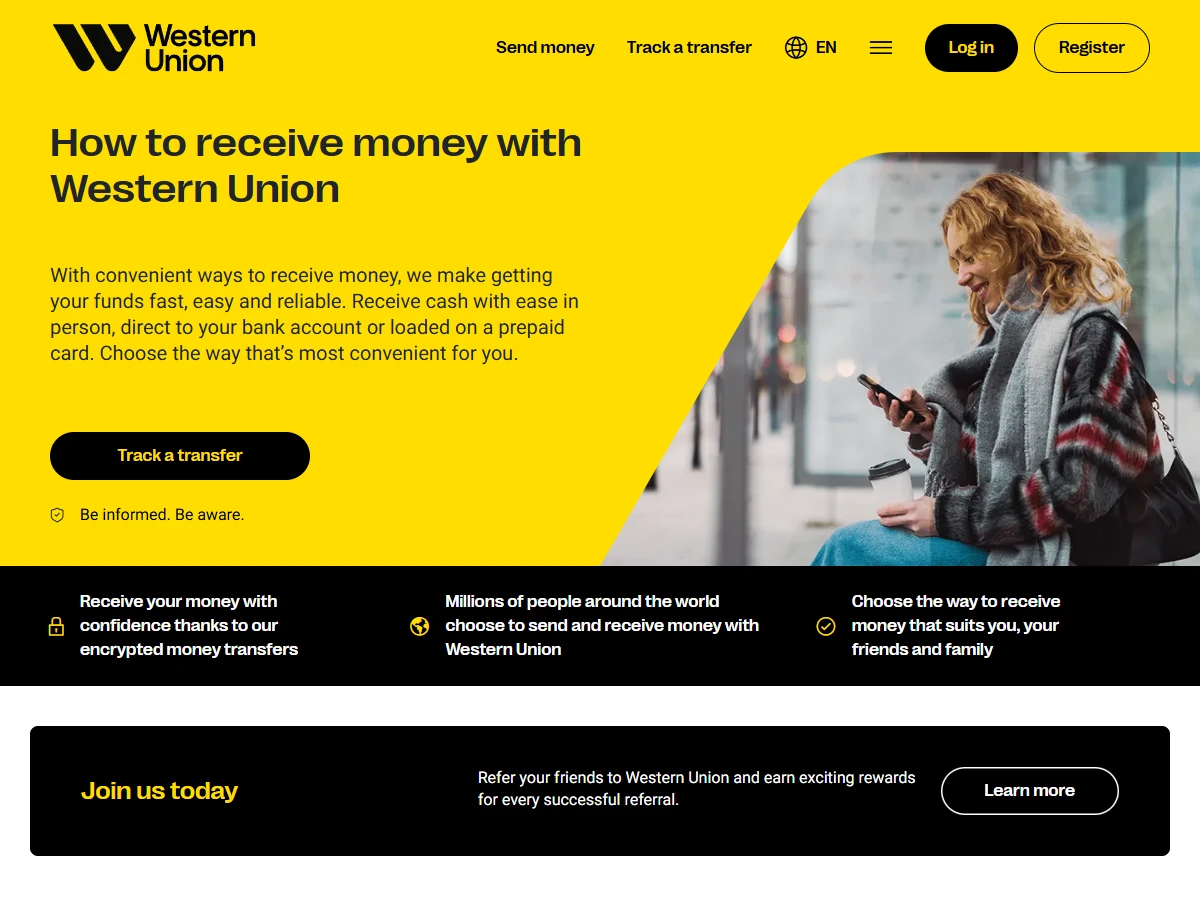
Western Union calls its tracking number an MTCN, a ten-digit number. MoneyGram uses a reference number, usually eight digits. Neither works at the other company: an MTCN means nothing at a MoneyGram counter, and the reverse is true too. When you send, pass on the number together with the name of the company, and the recipient can check the status on that company's site before setting off, so the trip only happens once the money is ready to collect.
Where people overpay, or make a wasted trip
Walking into the nearest agent without checking the online price is the easiest way to overpay; agents are often dearer, and comparing takes a few minutes. The other is judging by the fee line. A modest fee can sit next to a marked-down rate that still leaves the recipient short, so compare the amount received every time.
On the collecting side, names cause most failed pickups. If the recipient's name differs from their ID by even one letter, the counter can refuse to pay out, so check every character before you send. And reach the provider only through the app from your phone's store or your own bookmark, never through an ad or a text message, which is exactly where look-alike sites get planted.
Common questions
Can I collect a Western Union transfer at a MoneyGram agent?
No. They are separate companies running separate networks, so a transfer can only be collected through the one that sent it, using that company's own tracking number. Check which service your sender used before you travel to a counter.
Which is cheaper, Western Union or MoneyGram?
There's no fixed answer; it shifts with the country, amount, pickup method and time. The right move is to compare both on "amount received" on the spot, rather than backing one brand. We don't endorse either.
Must the recipient have a bank account?
No. Cash pickup is exactly their strength: the recipient brings their own ID and the tracking number to a partner agent and collects cash. That's the main edge over a bank wire.
What if the tracking number (MTCN) is lost?
Look it up through the official channel using your own send record; don't post the tracking number publicly or hand it to a stranger. It's effectively a pickup credential, and leaking it risks someone collecting in your place.
Are there limits?
Yes. Per-transaction and cumulative caps can both apply, and they vary by ID-verification level, country and channel. Go by what the official page shows when you send, and check ahead for larger amounts.
Where to verify: fees, rates, limits and available pickup methods go by Western Union's and MoneyGram's own official sites or apps at the time; total cross-border cost can be cross-checked against public data such as the World Bank's "Remittance Prices Worldwide." This article is education, not investment or legal advice.
Update note (18 Jun 2026): first published, setting out the online-vs-agent comparison, the cash-pickup flow and a fake-agent defence.
Update note (7 Sep 2026): added a section on whether the two are the same company and what genuinely differs between them, because that is what most readers arrive asking.
Update note (13 Sep 2026): added how to quote both companies yourself to see which is cheaper, and the difference between an MTCN and a MoneyGram reference number, with a screenshot of Western Union's receive page.